Arduino

DSLR Lightning Trigger 3

DSC_0539

Finally Some Lightning … IT WORKS!

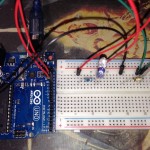
Tonight, I was finally able to deploy the prototype of my lightning trigger.  The storm wasn’t particularly photogenic, but it at least helped prove the concept.  Lightning was slim and no bolts were in the best area for my camera, but the camera did capture the image to the right.  Not very good I know, but if it will work for such a poor example of lightning, I think during a real storm it will perform splendidly.  My next steps are to research moving to a wired trigger (replacing an MC-DC2 ) instead of the IR LED, add a potentiometer to adjust the sensitivity in the field, and installing the circuit into a project box.

Lessons Learned / Observations

Perhaps this won’t be a problem during a storm with a lot of lightning, but one problem that I encountered was that the camera would exit the “Quick-response remote” release mode and return to my prior setting in the absence of regular input.  I guess this was due to the camera entering a suspended state.  I will have to see if I can modify this setting, if not I may attempt to keep the camera awake.

Other Posts in this series:


Posted by Chad Dotson in Arduino, Hobbies, Photography, Programming, Software Engineering, 1 comment

DSLR Lightning Trigger 2

Lightning Drought

Back in September, I created a simple Arduino-based lightning trigger (original article).  I’ve been waiting since then for the chance to test the circuit in the field.  Yesterday provided the first real chance to test the circuit; unfortunately, I missed it.

Improving the Program

Even though I missed the event, I did decide to improve the program a little.  The major change, if it can be called major, addresses a weakness in the original program.  Originally, every event would attempt to trigger the shutter twice (once when the lightning occured and again when the brightness returned to normal).  To fix this I am removing the absolute value function from the brightness test.  Now, it will only trigger if the new brightness is brighter than the previous.

#include <multiCameraIrControl.h> 

int shutterPin = 13; 
int triggerPin = 0;
int threshold = 10;
int savedLightningValue = 0;
int currentLightningValue = 0;
int delayBetweenShots = 1000;
 
Nikon shutter(shutterPin);

void setup() {
  Serial.begin(9600);
  pinMode(shutterPin, OUTPUT);
  digitalWrite(shutterPin, LOW);
  savedLightningValue = currentLightningValue = analogRead(triggerPin);
}

void loop() {
  currentLightningValue = analogRead(triggerPin);
  Serial.println(savedLightningValue, DEC);
    
  if((currentLightningValue - savedLightningValue) > threshold) {
    Serial.println("Triggering shutter");
    shutter.shutterNow();
    delay(delayBetweenShots);
  }
  
  savedLightningValue = currentLightningValue;
}

Resources:

Other Posts in this series:

Posted by Chad Dotson in Arduino, Hobbies, Photography, Programming, Software Engineering, Technology, 5 comments

Hardware vs Software – A Realization

I spent some time over the past year tinkering with Arduinos and Raspberry Pis and had a bit of a realization: Hardware circuit components are simply the syntax for creating physical devices.  As a software person, putting hardware into that context has really given it a lot of meaning.

Posted by Chad Dotson in Arduino, Raspberry Pi, Technology, 0 comments

DSLR Lightning Trigger

June 15, 2011 Lightning CompositeLightning

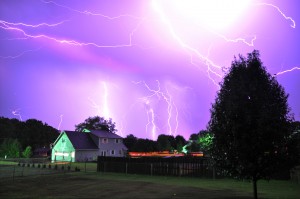
I use my Nikon D5000 to take a lot of lightning photos.  This one to the right is a composite of several taken during a storm that produced a good amount of of photogenic lightning a few years back.  The photos that make up this one and many of my others were created using timed exposures of up to 30 seconds on length.  This is problematic, at times, due to other light sources, camera movement, etc.  Using simple, arduino-based circuit, we can create a device that will attempt to detect lightning strikes and trigger a camera shutter when one is detected.

Prototyping The Circuit

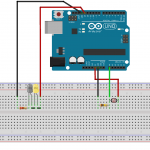
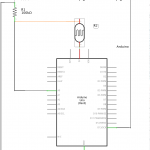
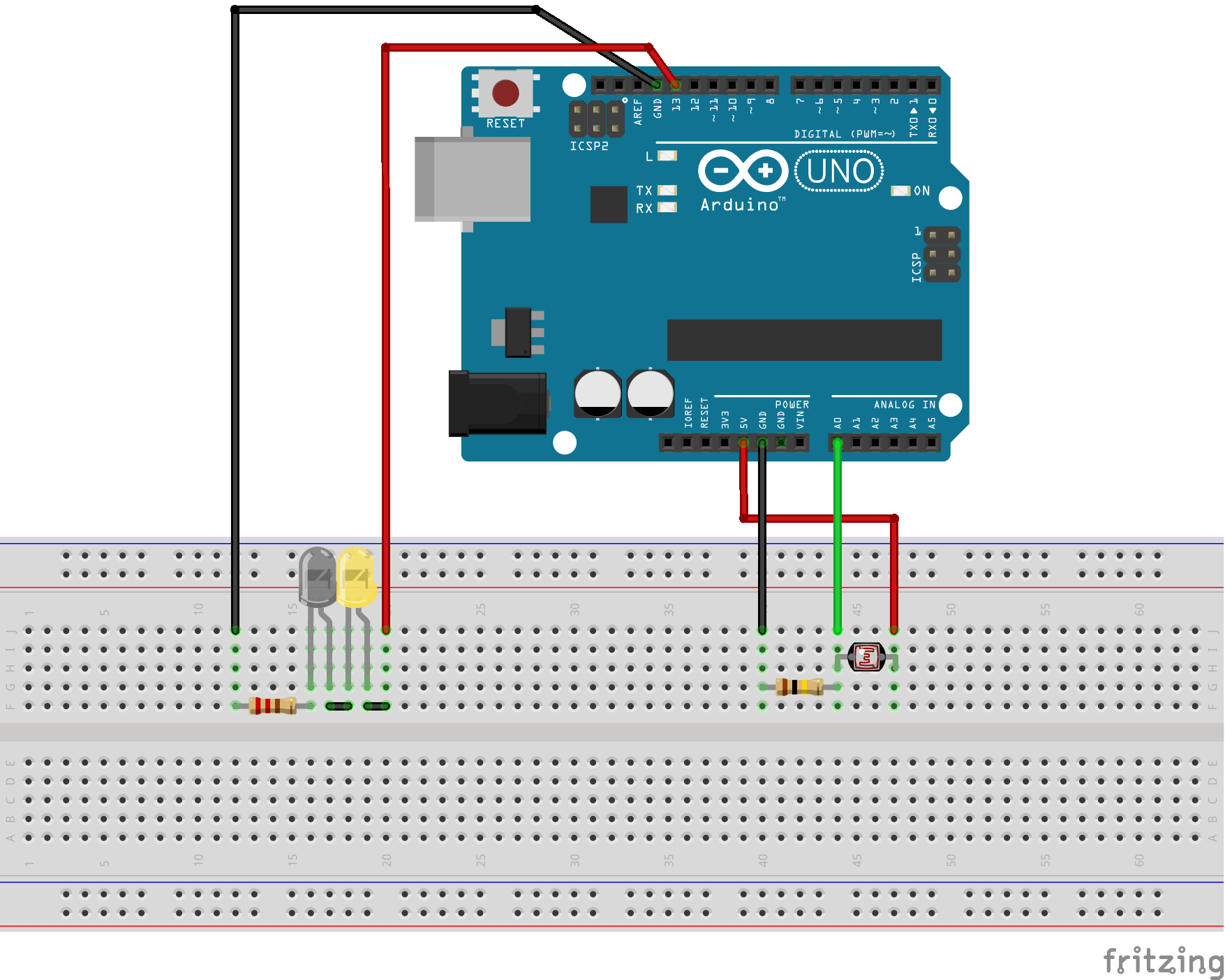
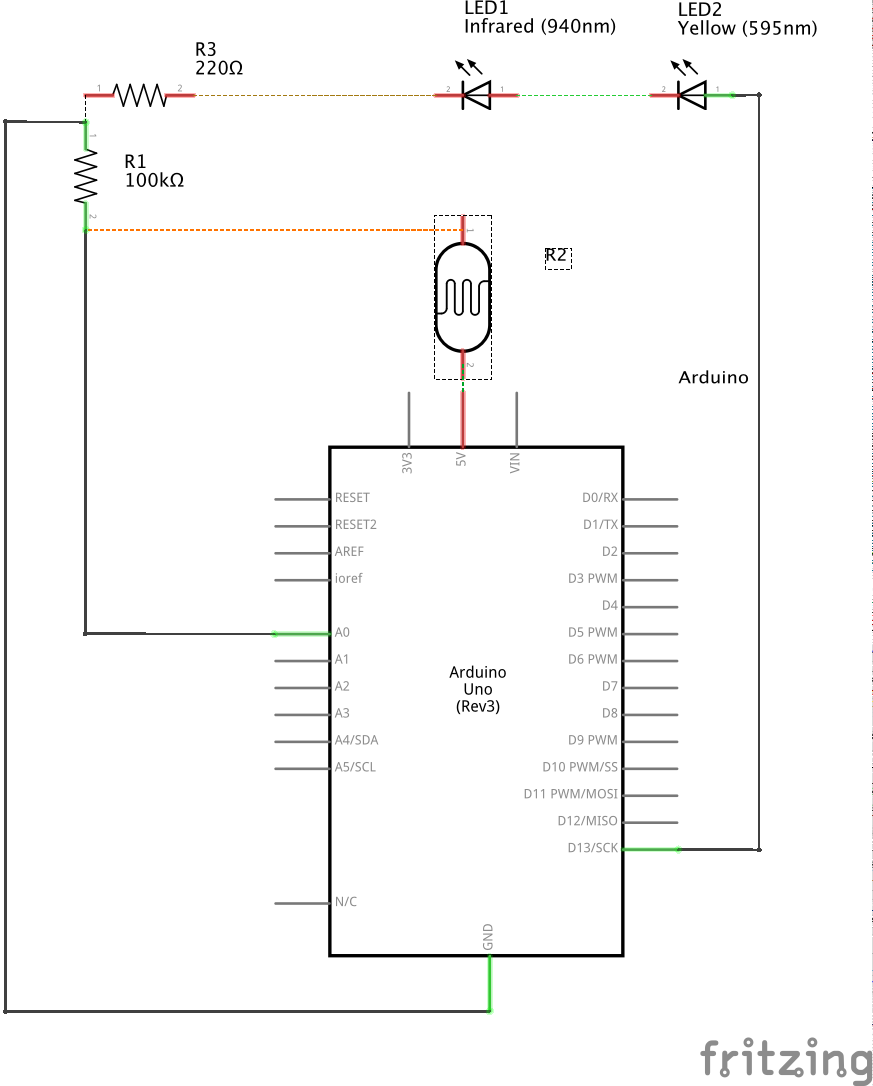
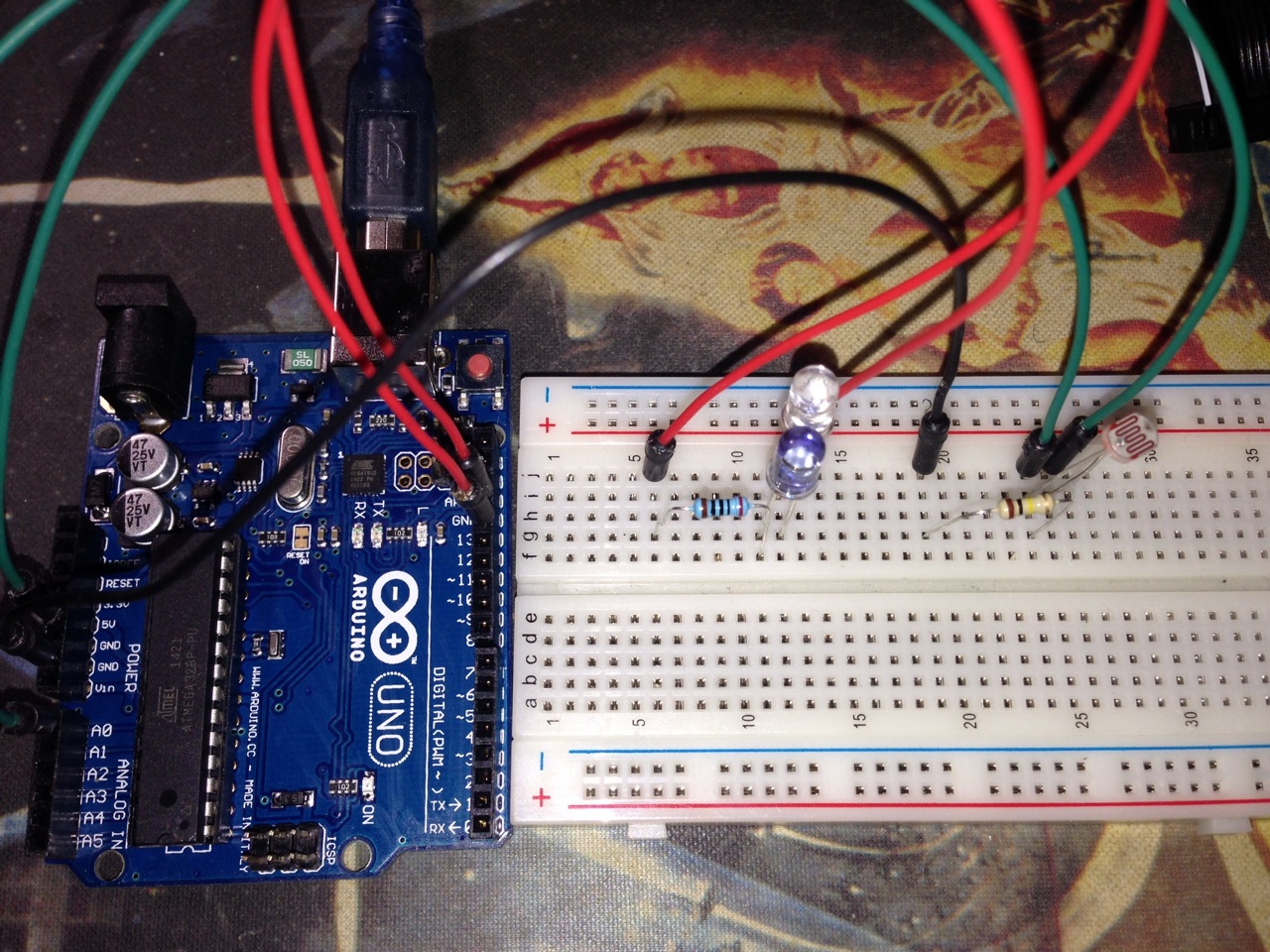
This circuit consists of 2 major pieces: lightning detection and shutter triggering.  To detect lightning, a phototransistor or photoresistor is required.  For this project, I used a photoresistor.  To trigger the shutter, a 940nm infrared LED is required.  These LEDs can be used to trigger cameras from Nikon, Canon, Pentax, Olympus, Minolta, Sony and possibly others.  Below is the complete parts list I used along with links to them on Amazon.

Components:

  • Arduino UNO R3 (buy)
  • Photoresistor 5mm GM5539 (buy)
  • 940nm Infrared LED (buy)
  • Yellow LED (buy)
  • 1 – 200 Ω Resistor (buy)
  • 1 – 100k Ω Resistor (buy)
  • Miscellaneous jumpers and breadboard (buy)


The Code

This circuit’s method of detecting lightning with a photoresistor is pretty simplistic.  It simply loops infinitely recording the analog input from the photoresistor, taking the difference of it to the saved value, and comparing that to the configurable threshold.  In its current configuration, it will take 2 photos per lightning strike.  This is the first iteration of this code, so I may change it to use a moving average instead of just the last recorded value.

To fire the IR LED in the right sequence, I used the Multi-Camera IR Control Library since it supports my Nikon D5000.  In addition to the D5000, this library supports Nikon, Canon, Pentax, Olympus, Minolta, and Sony cameras. If you don’t have a camera that is supported, a custom interface could easily be created with specifics for your camera model.

#include <multiCameraIrControl.h> 

int shutterPin = 13; 
int triggerPin = 0;
int threshold = 5;
int savedLightningValue = 0;
int currentLightningValue = 0;
int delayBetweenShots = 1000;
 
Nikon D5000(shutterPin);

void setup() {
  Serial.begin(9600);
  pinMode(shutterPin, OUTPUT);
  digitalWrite(shutterPin, LOW);
  savedLightningValue = currentLightningValue = analogRead(triggerPin);
}

void loop() {
  currentLightningValue = analogRead(triggerPin);
  Serial.println(savedLightningValue, DEC);
  
  if(abs(currentLightningValue - savedLightningValue) > threshold) {
    Serial.println("Triggering shutter");
    D5000.shutterNow();
    delay(delayBetweenShots);
  }
  savedLightningValue = currentLightningValue;
}


To The Field

Since the protoype is fully functional, I plan on fielding it during the next thunderstom.  I will report back once I see how it works along with any refinements.

Resources

As always, I have placed the code and diagrams for this project in a github repository.  It includes code that can be compiled and uploaded via the Arduino IDE and diagrams that can be viewed or edited with Fritzing.

Other Posts in this series:
Posted by Chad Dotson in Arduino, Hobbies, Photography, Programming, Raspberry Pi, Software Engineering, Technology, 8 comments